After Effects
Keyframer
No hassle to create keyframes.
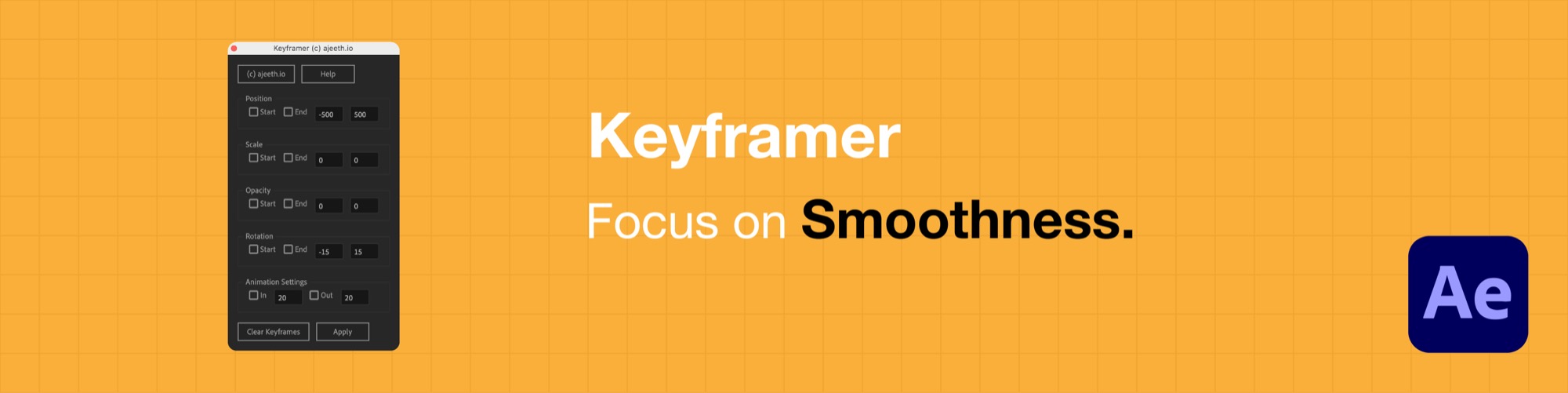
Introducing the Keyframer Script for Adobe After Effects — a versatile, powerful script designed to simplify and automate the creation of keyframes for your animations. A must-have for animators, video editors, and motion graphic designers looking to enhance their workflow and productivity.
Key Features
- User-Friendly Interface — a clean, intuitive panel that's easy to use even for beginners.
- Automated Keyframes — create position, scale, opacity, and rotation keyframes in just a few clicks.
- Efficient Workflow — automate repetitive tasks and focus on the creative work.
How It Works
- 1Install the script: download and paste it into your After Effects ScriptUI Panels folder (Windows: Program Files/Adobe/Adobe After Effects <version>/Support Files/Scripts/ScriptUI Panels/ · macOS: Applications/Adobe After Effects <version>/Scripts/ScriptUI Panels/).
- 2Open After Effects and go to Window → Keyframer.
- 3Select the layers you want to animate.
- 4Set the parameters for position, scale, opacity, and rotation.
- 5Click Apply to generate the keyframes automatically.